



Xtream Codes has changed how we watch IPTV. It makes streaming easy and fast. With its strong API, users get lots of channels and on-demand shows.
Knowing how to log in is key to using these services. You need a username, password, and server URL. These work together to let you in.
We’ll look closely at the Xtream Codes login process. We’ll see why each part is important for a good IPTV experience. By the end, you’ll know how to use Xtream Codes’ IPTV services.
What Is Xtream Codes and How Does It Work?
Xtream Codes is a big name in IPTV. It’s a powerful API that lets IPTV providers stream top-notch content. This tech has changed how we watch IPTV, making it easy to find lots of channels and shows.
The Basics of Xtream Codes API
The Xtream Codes API makes managing content easy for IPTV providers. It connects the provider’s content to the user’s device. This ensures fast and reliable streaming.
It’s very flexible, working on many devices and platforms. This makes it great for reaching lots of people. Whether you’re watching on a smart TV, streaming box, or mobile, Xtream Codes makes it smooth.
Why IPTV Services Use Xtream Codes
IPTV services love Xtream Codes for its reliability and ease of use. It’s a solid platform that can handle lots of users. It also lets providers customize and grow their services easily.
| Feature | Description | Benefit |
|---|---|---|
| User Authentication | Secure login system for users | Protects user accounts and ensures authorized access |
| Content Streaming | Efficient delivery of IPTV content | Provides a smooth viewing experience with minimal buffering |
| Playlist Management | Easy management of channel lists and on-demand content | Allows for quick updates and customization of content offerings |
Using Xtream Codes lets IPTV services focus on quality content. The API takes care of the technical stuff. This makes Xtream Codes a key player in the IPTV world, and its popularity shows how well it works.
The Three Essential Xtream Codes Login Credentials You Need
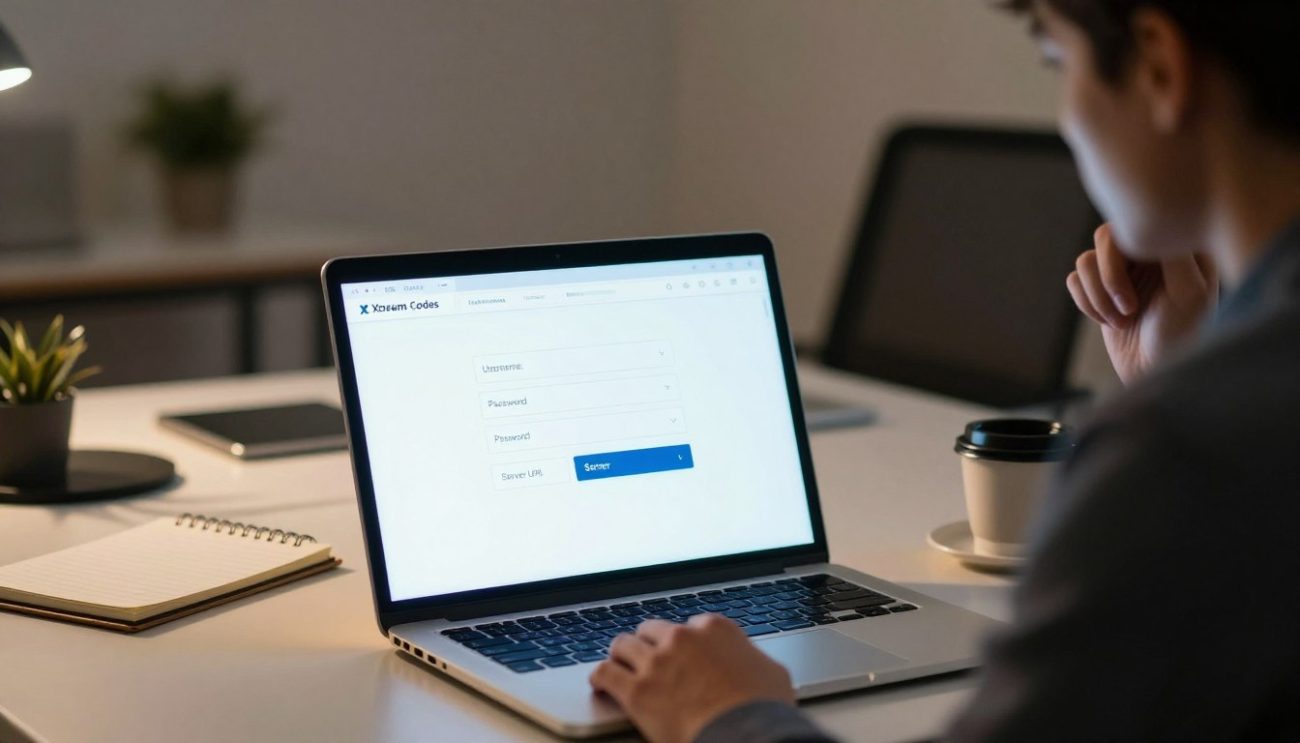
To log in to Xtream Codes, you need three key things: a username, password, and server URL. Each one is important for logging in. Knowing about these helps you enjoy your IPTV without trouble.
Understanding Your Username
Your username is special and given by your IPTV provider. It makes your account unique. It’s a mix of letters and numbers, and you must type it right to log in.
How Your Password Works
Your password keeps your account safe. It’s a mix of letters and numbers, and it matters how you type it. Keeping your password safe is key to keeping your account secure.
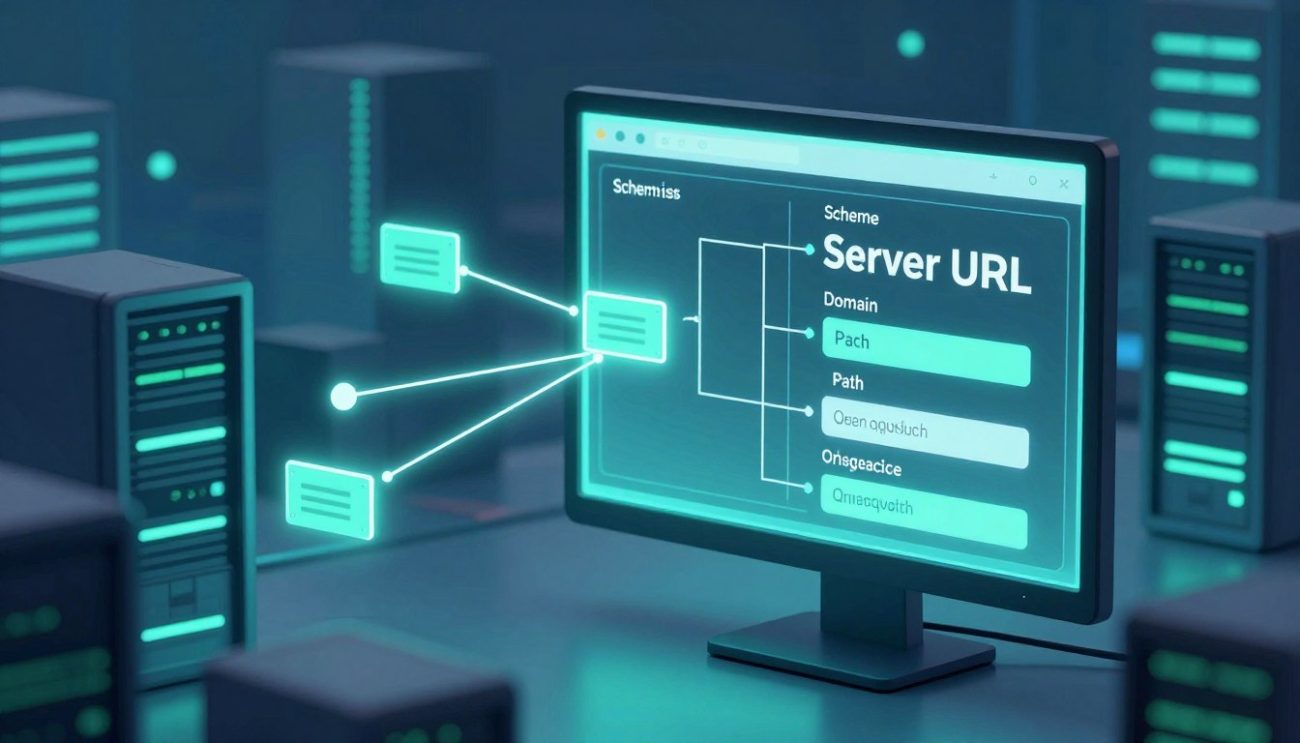
Decoding the Server URL
The server URL shows where your IPTV content is stored. It has the protocol, server address, and sometimes a port number. Knowing this helps you set up your Xtream Codes login right and keeps your connection stable.
How to Get Your Xtream Codes Login Information from Your Provider
To use Xtream Codes, you need to get your login details from your IPTV provider. This info is key for setting up your IPTV on different devices.
What to Expect in Your Welcome Email
When you sign up for an IPTV service with Xtream Codes, you get a welcome email. It has your login details. This email includes:
- Your Xtream Codes Login username
- A password to access the service
- A Server URL to connect to the IPTV service
Keep this info safe, as it lets you into your IPTV service. If you can’t find the email, check your spam or junk folder.
Requesting Credentials from Customer Support
If you haven’t got your welcome email or lost it, contact your IPTV provider’s customer support. They can help you get your Xtream Codes login details. Be ready to:
- Verify your account details
- Provide your account username or email linked to the service
- Tell them you need your Xtream Codes login credentials
Customer support will give you the login details you need to access your Xtream Codes IPTV service.
By following these steps, you can get your Xtream Codes login information. Then, you can enjoy your IPTV service on your favorite devices.
Understanding Server URL Formats and What They Mean
To log in to Xtream Codes, you need to know about the server URL. It tells your IPTV player where to find the streaming server.
A server URL has a few key parts. These include the protocol (like HTTP or HTTPS), the server address, and the port number. Knowing these helps with troubleshooting and keeps your connection stable.
HTTP and HTTPS Protocol Differences
The protocol part of the URL shows if the connection is secure. HTTP is standard but doesn’t encrypt data, making it less secure. HTTPS, on the other hand, encrypts data, offering a safer connection.
For IPTV, HTTPS is better because it keeps your streaming data safe from being intercepted. But, some Xtream Codes servers might still use HTTP.
Port Numbers Explained
Port numbers are important in the server URL. They tell the server which service or process to use. For Xtream Codes, common ports are 8080, 25461, or 80.
Using the right port number is crucial. If not, your IPTV player won’t connect, leading to errors or content not loading.
Complete URL Structure Examples
A full server URL for Xtream Codes might look like this: http://example.com:8080. Here, http is the protocol, example.com is the server address, and 8080 is the port number.
| Protocol | Server Address | Port Number | Example URL |
|---|---|---|---|
| HTTP | example.com | 8080 | http://example.com:8080 |
| HTTPS | secureexample.com | 25461 | https://secureexample.com:25461 |
Knowing how to read your Xtream Codes server URL is key for setting up your IPTV player right. It helps with troubleshooting and ensures a better IPTV experience.
Best Ways to Store and Protect Your Xtream Codes Login Details
Keeping your Xtream Codes Login details safe is key for security and to keep watching without interruptions. With more digital streaming, keeping your login info safe is more crucial than ever.
Using Password Managers Securely
Using a password manager is a top way to keep your Xtream Codes Login safe. These tools keep all your login info in an encrypted vault. This vault is locked with a single master password.
- Choose a reputable password manager: Pick well-known services like LastPass, 1Password, or Dashlane.
- Enable two-factor authentication: Add an extra security layer to your password manager account.
- Use complex passwords: Make unique, complex passwords for your Xtream Codes Login and other accounts.
Creating Physical Backups
While digital storage is easy, having physical backups of your Xtream Codes Login details adds extra security.
- Write down your credentials: On a piece of paper, write down your Xtream Codes Login username, password, and server URL.
- Store in a secure location: Keep the paper in a safe place, like a locked drawer or a fireproof safe.
- Limit access: Make sure only trusted people can access this info.
Avoiding Common Storage Mistakes
When storing your Xtream Codes Login details, avoid common mistakes that could risk your security.
- Never store login details digitally without encryption: Don’t save your credentials in plain text on your computer or in unsecured cloud storage.
- Don’t share login information unnecessarily: Only share your Xtream Codes Login details with people you trust.
- Regularly update your credentials: Change your password often to stay secure.
By following these tips, you can greatly improve the security of your Xtream Codes Login details. This ensures your account stays safe and you can keep watching your IPTV services without interruptions.
Setting Up Xtream Codes Login on Android TV and Smart TVs
Setting up Xtream Codes on your Smart TV is easy and makes watching TV better. Xtream Codes lets you watch lots of IPTV services right on your TV. This guide will help you set it up on Android TV, Samsung Tizen, and LG webOS.
Step-by-Step Android TV Configuration
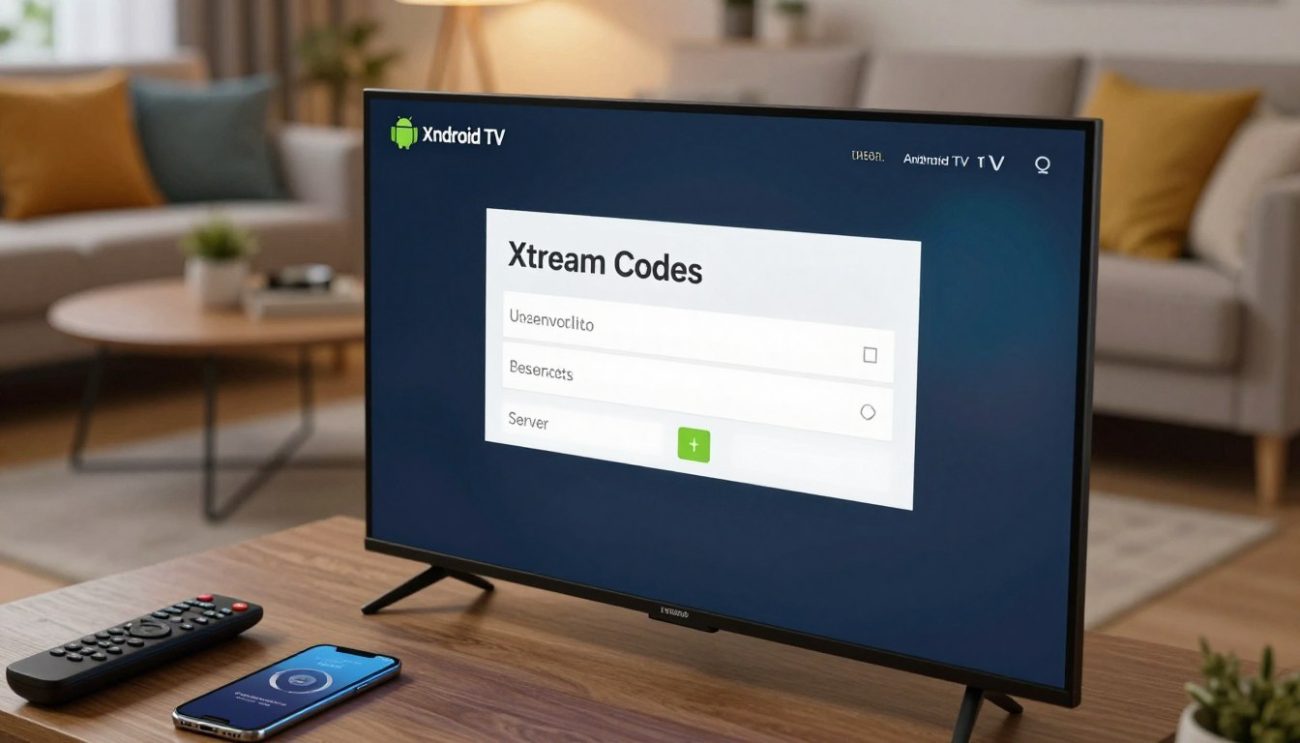
To set up Xtream Codes on your Android TV, just follow these steps:
- Open the Google Play Store on your Android TV.
- Search for the Xtream Codes app or a compatible IPTV player.
- Download and install the app.
- Launch the app and go to the settings or login section.
- Put in your Xtream Codes Login details, like your username, password, and Server URL.
Samsung Tizen TV Setup Process
For Samsung Tizen TV users, here’s what to do:
- Go to the Samsung App Store.
- Look for an IPTV app that works with Xtream Codes.
- Install the app and open it.
- Put in your Xtream Codes login info in the app’s settings.
LG webOS Installation Guide
LG webOS users, follow these steps:
- Open the LG Content Store.
- Find an IPTV app that’s good with Xtream Codes.
- Download and install the app.
- Set up the app with your Xtream Codes login details.
Entering Credentials Without Errors
When you enter your Xtream Codes Login details, make sure to type them right. Check for any typos or extra spaces in your username, password, and Server URL.
By following these guides, you can enjoy Xtream Codes on your Smart TV. It works great on Android TV, Samsung Tizen, and LG webOS.
Configuring Your Xtream Codes Login on Smartphones and Tablets
Setting up Xtream Codes on your phone or tablet is easy. It lets you start streaming right away. Whether you have an iPhone, iPad, or an Android device, Xtream Codes works well on all of them.
iOS Setup for iPhone and iPad Users
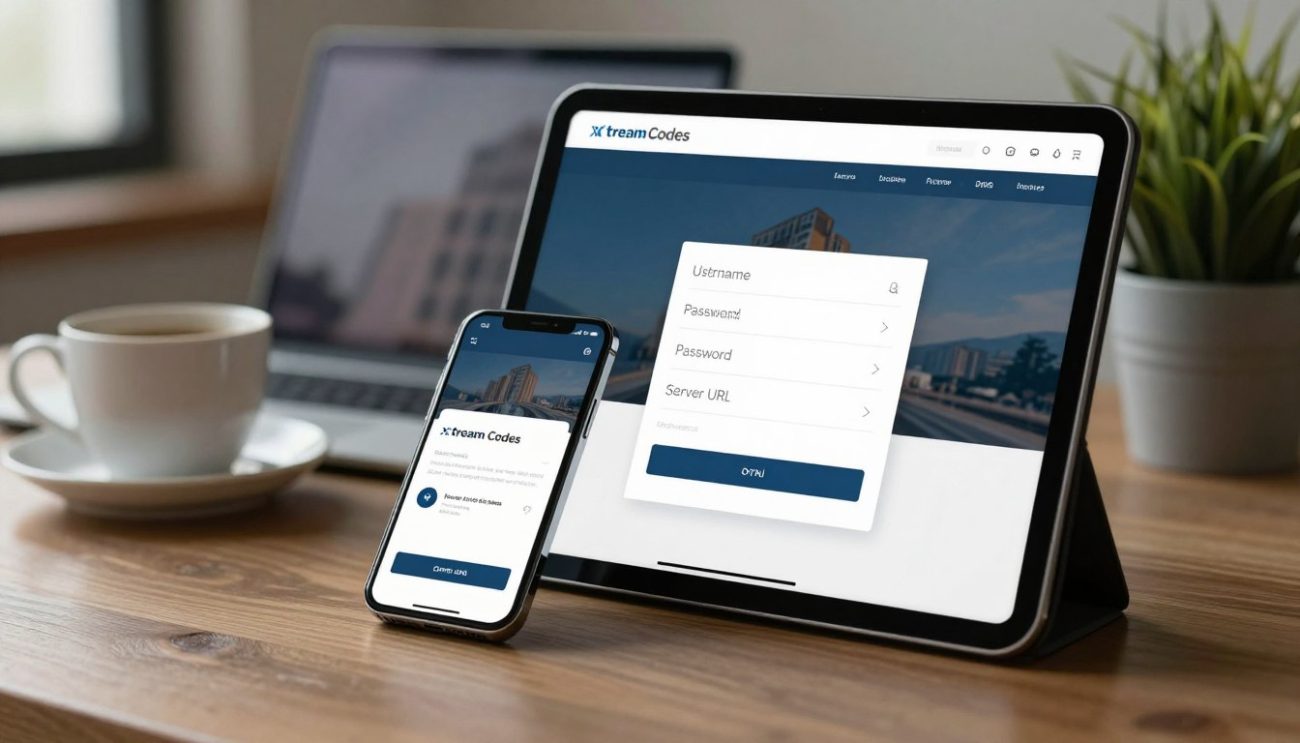
First, iOS users should download an Xtream Codes app from the App Store. Open the app and go to the settings or login area. You’ll need to put in your username, password, and Server URL.
After you’ve entered your details, save them. Then, wait for the app to connect to the server.
Android Mobile Device Configuration
Android users can find Xtream Codes apps on the Google Play Store. The setup is similar to iOS; find the login or settings area, enter your details, and save. Some Androids might have extra features or different ways to navigate, but it’s still easy.
Optimizing Settings for Mobile Viewing
To make your mobile viewing better, tweak the app’s settings. You might want to pick your video quality, turn on buffering for smoother video, or change your channel list. Also, make sure your device is connected to a strong internet, like Wi-Fi, to save data and get better streaming.
By following these steps, you can enjoy great streaming on your phone or tablet with Xtream Codes Login.
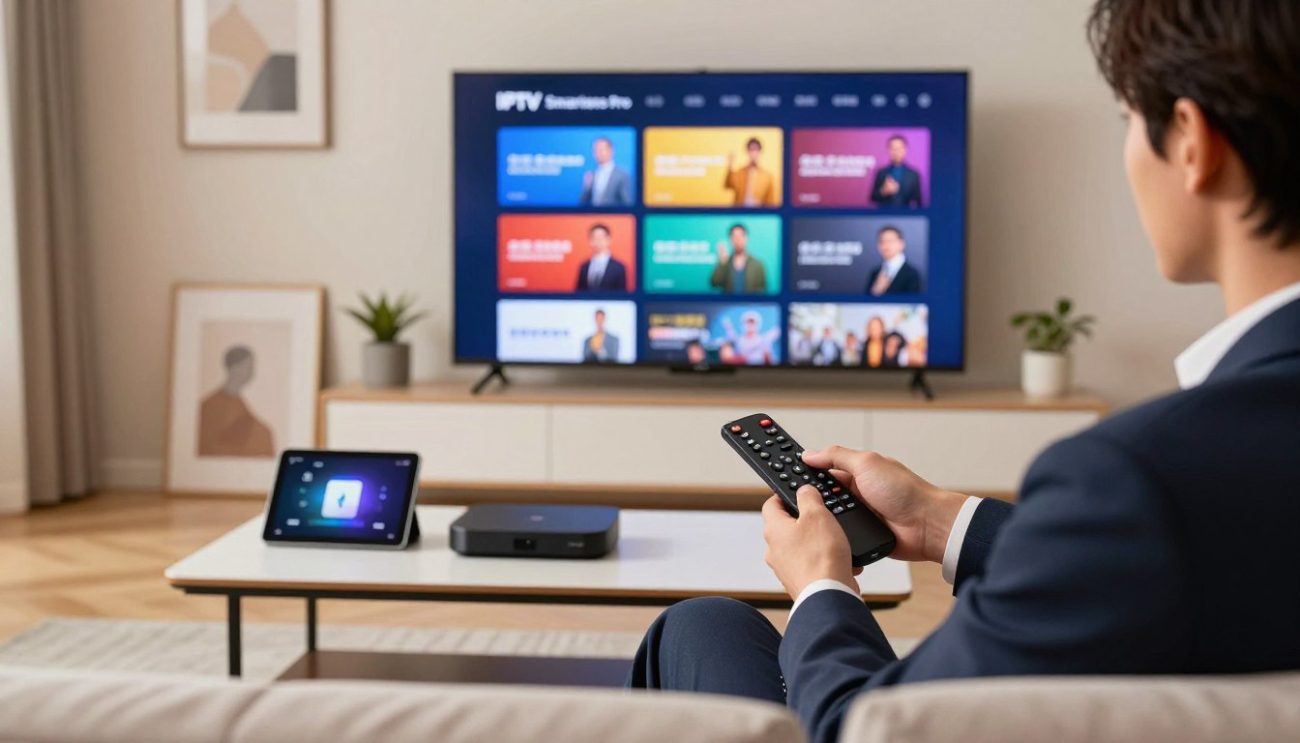
Using Xtream Codes Login with IPTV Smarters Pro
Integrating Xtream Codes Login with IPTV Smarters Pro makes your streaming better. IPTV Smarters Pro is easy to use and has great features. It’s perfect for managing your Xtream Codes IPTV subscription.
Installing IPTV Smarters Pro
To start, install IPTV Smarters Pro on your device. It works on Android and iOS. Here’s how to install it:
- For Android, go to the Google Play Store, search for “IPTV Smarters Pro,” and click “Install.”
- For iOS, open the App Store, search for “IPTV Smarters Pro,” and tap “Get” to download.
Adding Your Xtream Codes Credentials
Once IPTV Smarters Pro is installed, add your Xtream Codes Login details. Here’s how:
- Open IPTV Smarters Pro on your device.
- Select “Xtream Codes” as the login method.
- Enter your Xtream Codes Username, Password, and Server URL in the fields.
- Click “Add User” to save your credentials.
Make sure your Xtream Codes Login details are correct to avoid problems.
Verifying Successful Connection
After adding your login details, check if the connection works. IPTV Smarters Pro will try to connect to your service. If everything is right, you should see your IPTV channels and content.
To check if you’re connected:
- Make sure you can browse through your IPTV channels.
- Check if the EPG (Electronic Program Guide) is working.
- Test a few channels to see if they play well.
If you have problems, check your login details and try again.
Setting Up TiviMate with Your Xtream Codes Login
TiviMate is a top choice for IPTV fans. It’s easy to set up with Xtream Codes Login for a great viewing experience. Its simple design and powerful features make it perfect for IPTV lovers.
Creating a TiviMate Playlist
To use TiviMate with your Xtream Codes Login, start by making a playlist. You’ll need to add your Xtream Codes server details to TiviMate. Here’s how:
- Open TiviMate on your device and go to the playlist section.
- Click on the option to add a new playlist.
- Give your playlist a name and enter your Xtream Codes server URL, username, and password.
- Save the playlist, and TiviMate will load your IPTV channels.
Entering Server Information
Getting your server info right is key for a smooth connection. Make sure you have these from your Xtream Codes provider:
- Server URL
- Username
- Password
Put these details into TiviMate correctly to avoid connection problems.
Customizing Your TiviMate Experience
After setting up your Xtream Codes Login with TiviMate, you can tweak your viewing experience. TiviMate has cool features like:
- EPG (Electronic Program Guide)
- Channel categorization
- Customizable UI settings
Check out these features to tailor your IPTV experience. This way, you’ll get the most from your Xtream Codes subscription.
By following these steps, you’ll enjoy smooth IPTV streaming with TiviMate and Xtream Codes Login.
Xtream Codes Login Setup on Fire TV Stick and Streaming Boxes
Setting up Xtream Codes Login on devices like Fire TV Stick, Android streaming boxes, and MAG boxes makes IPTV streaming easy. It’s key for using your IPTV services on these devices.
Amazon Fire TV and Fire Stick Configuration
To set up Xtream Codes Login on your Amazon Fire TV or Fire Stick, follow these steps:
- Navigate to the search menu and type “IPTV Smarters Pro.”
- Download and install the IPTV Smarters Pro app.
- Launch the app and enter your Xtream Codes Login credentials.
- Configure the settings as needed for optimal performance.
Android Box Setup Process
For Android streaming boxes, the setup process is similar:
- Go to the Google Play Store and search for “IPTV Smarters Pro.”
- Install the app and open it.
- Enter your Xtream Codes Login details, including username, password, and Server URL.
- Customize the app settings to suit your viewing preferences.
MAG Box Integration
MAG boxes require a slightly different approach:
- Access the MAG box’s portal and navigate to the app store.
- Download and install a compatible IPTV player.
- Configure the player with your Xtream Codes Login information.
Apple TV Connection Guide
For Apple TV users, the process involves:
- Downloading an IPTV app that supports Xtream Codes.
- Entering your Xtream Codes Login credentials within the app.
- Adjusting settings for the best streaming quality.
By following these guides, you can successfully set up Xtream Codes Login on your preferred streaming device. This ensures a smooth and enjoyable IPTV viewing experience.
Common Errors When Entering Your Xtream Codes Login Information
Xtream Codes login errors can be frustrating. Knowing the common mistakes helps fix them fast. When you enter your login details, several issues can stop you from connecting.
Typos and Extra Spaces
Typing mistakes in your username or password are common. A single wrong character can block you. Also, extra spaces can cause problems. Always check your login details carefully.
Wrong URL Format or Protocol
The Server URL is key for logging in. The wrong protocol (HTTP vs. HTTPS) or URL can stop you from connecting. Make sure you use the right protocol and URL from your IPTV service.
Case Sensitivity Problems
Xtream Codes login details are case-sensitive. This means uppercase and lowercase letters matter. Enter your username and password correctly to avoid errors.
Copy-Paste Issues
Copied and pasted login details can save time. But, they can also bring errors. Always check for extra characters or spaces.
To avoid these errors, do the following:
- Double-check your username and password for typos
- Verify the Server URL for the correct format and protocol
- Pay attention to case sensitivity when entering your credentials
- Be cautious when copying and pasting login information
Knowing these common issues helps you log in smoothly to Xtream Codes.
Troubleshooting Xtream Codes Login Issues and Connection Problems
Knowing how to fix Xtream Codes login problems is key for IPTV users in Canada. It’s important to find the main cause to fix it right.
Fixing Authentication Failed Errors
Authentication failed errors often happen because of wrong login details. Make sure your username and password are correct. These are sensitive to case.
- Make sure your login details match what your IPTV service provider gave you.
- Look out for typos or extra spaces in your login info.
Resolving Connection Timeout Messages
Connection timeout messages mean you can’t reach the Xtream Codes server. This might be because of server overload or network issues on your side.
- Check if your internet connection is working well.
- Try restarting your IPTV app or device to see if it fixes the problem.
Dealing with Server Unreachable Issues
If the server is said to be unreachable, it might be down for maintenance or having technical problems. Here’s what to do:
- Wait a bit and try connecting again.
- Reach out to your IPTV provider to see if they know about any server issues.
Addressing Invalid Credentials Notifications
Getting an invalid credentials notice means there’s a problem with your login info. Double-check your username and password. If it still doesn’t work, ask your provider for new login details.
Clearing Cache and App Data
Clearing the cache and app data of your IPTV app can help fix login issues. This depends on your device, but it usually involves:
- Going to your device’s settings.
- Finding the IPTV app and choosing to clear cache and data.
By following these steps, most Xtream Codes login and connection problems can be fixed. This makes for a better IPTV experience.
Security Tips for Protecting Your Xtream Codes Login Credentials
Keeping your Xtream Codes Login safe is key in today’s digital world. As an IPTV user, your login info is valuable. It must be protected from unauthorized access and scams.
Why You Should Never Share Your Login
Sharing your Xtream Codes Login can put your account at risk. It’s not just about your account. Sharing login details can also harm others if used on different services.
Never share your login credentials with anyone, including those claiming to be from your IPTV provider’s customer support. Real service providers will never ask for your password or other sensitive info.
Using VPN Services in Canada
Using a Virtual Private Network (VPN) adds security to your Xtream Codes IPTV service. It’s especially useful on public Wi-Fi. A VPN encrypts your internet traffic, making it hard for hackers to get your data.
When picking a VPN in Canada, look at server locations, connection speed, and logging policy. Some VPNs have apps for many devices. This makes it easier to keep your Xtream Codes Login safe on different platforms.
Recognizing Scams and Phishing Attempts
Knowing how to spot scams and phishing is key to keeping your Xtream Codes Login safe. Watch out for emails or messages asking for your login info. Also, be wary of suspicious websites that look like your IPTV provider’s login page.
Changing Passwords Regularly
Changing your Xtream Codes Login password often is a smart move. It helps protect your account even if your login info is stolen. Make sure your new password is strong and unique. It should be hard for others to guess.
By following these security tips, you can greatly improve the safety of your Xtream Codes Login. This will make your IPTV viewing experience more secure.
What to Do When Your Xtream Codes Login Suddenly Stops Working
If your Xtream Codes login stops working, don’t worry. There are steps you can take to fix it. First, find out why it’s not working.
Checking Your Subscription Status
One common reason is an expired or suspended subscription. To check your status:
- Log in to your IPTV provider’s website or app.
- Navigate to your account settings or profile.
- Look for subscription details or renewal information.
If your subscription has expired, renew it to get back in.
Contacting Your IPTV Provider
If your subscription is active, contact your IPTV provider’s customer support. They can help with login issues. Be ready to give them:
- Username
- Account details
- A description of the problem
Tip: Many IPTV providers offer 24/7 support. Reach out anytime, even outside regular hours.
Understanding Server Maintenance Periods
Sometimes, login issues come from server maintenance. The service might be down during these times. To see if maintenance is happening:
- Visit your IPTV provider’s website or social media.
- Look for announcements or status updates.
- Check for any scheduled maintenance notifications.
Verifying Payment and Account Standing
Make sure your payment method is current and your account is clear. A simple payment issue can cause login problems. If unsure about your account:
- Review your recent payment history.
- Contact your IPTV provider to confirm your account status.
By following these steps, you can often fix Xtream Codes login issues quickly. This way, you can enjoy your IPTV service again.
Understanding IPTV Services and Legal Considerations in Canada
More Canadians are choosing IPTV for their entertainment. It’s important to know the legal side of these services.
IPTV, or Internet Protocol Television, changes how we watch TV. It’s cheaper and more flexible than traditional TV. But, the laws around IPTV are complex.
Canadian Broadcasting Regulations
The Canadian Radio-television and Telecommunications Commission (CRTC) is key in IPTV. They make sure services follow rules. These rules help Canadian content, protect viewers, and keep things fair.
Choosing Licensed and Legitimate Services
Choosing the right IPTV service is crucial. Licensed services have the CRTC’s okay to operate in Canada. They offer many channels and on-demand content.
These services must follow Canadian rules. This includes showing enough Canadian content.
Risks of Unauthorized IPTV Services
But, unauthorized IPTV services are risky. They don’t have the right licenses. Using them can lead to copyright infringement and malware risks.
Also, these services might not offer good customer support or reliability.
Conclusion
Understanding Xtream Codes Login is key for easy access to IPTV services. We’ve covered the basics, like username, password, and server URL. These work together for a great IPTV experience.
Knowing about Xtream Codes API and IPTV services helps users deal with streaming’s challenges. Setting up Xtream Codes Login on devices like Android TV and smartphones makes watching smooth.
IPTV is getting more popular in Canada, and security is important. Choosing licensed IPTV services keeps your login safe. This article helps you enjoy your favorite shows while keeping your account secure.
In short, learning about Xtream Codes Login unlocks IPTV’s full potential. It gives users a reliable and fun streaming experience.
